If your estate runs cameras, POPIA applies to you, and not in a "maybe, ask your lawyer" sort of way. The moment a camera records a resident, a visitor or a staff member who can be identified, you are a responsible party under the Protection of Personal Information Act, and eight conditions in Chapter 3 of the Act apply to every frame you keep.
That sounds heavier than it is. Most estates are already doing the hard parts without knowing the section numbers. The trouble is the two or three things most people get wrong, and those happen to be the ones that cost money.
The lawful basis is not consent
This is the mistake I see most often. A body corporate puts up a sign and assumes that is the whole job, as if consent is what makes the cameras legal. It is not, and it cannot be. You cannot get meaningful consent from every person who drives through a gate, and section 11(2) puts the burden of proving consent on you. That is an argument you will lose.
The right basis is section 11(1)(f): the legitimate interests of your estate, weighed against the privacy of the people recorded. The key word is documented. Write down what the cameras are for, keep a schedule that matches that purpose, and keep a record that you did the assessment. A camera pointed at a swimming pool "just in case" is not a legitimate interest, and no sign fixes it.
How long can you keep footage?
POPIA does not give you a number. There is no "30 days" or "90 days" written anywhere in the Act, so anyone who quotes one at you is guessing. Section 14 says records must not be kept longer than necessary for the purpose you documented. What trips people up is section 14(3): if you use a clip to make a decision about a person, you have to keep that clip long enough for them to request access to it. Deleting footage on day 31 after you used it against someone is a breach.
So set a retention period that matches your purpose, write it down, and stick to it. Six weeks is a defensible default for a residential estate, but the honest answer is that it is your documented purpose, not my number, that decides it.
The sign matters more than most people think
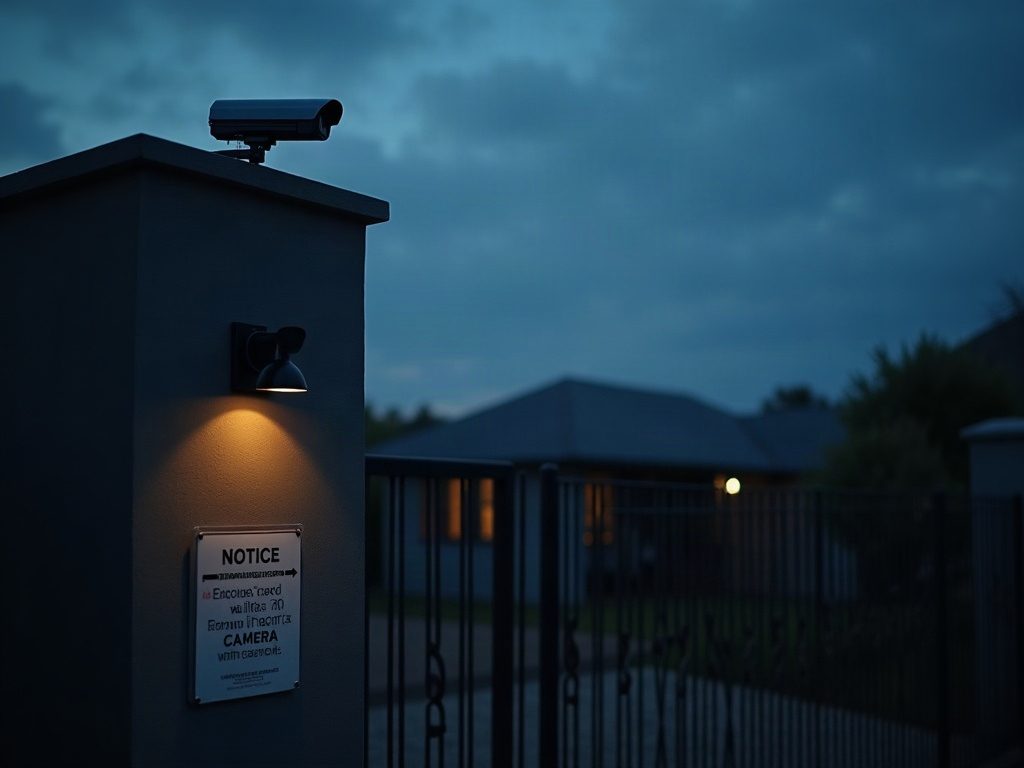
There is no prescribed wording for a camera notice, but section 18 lists what a person is entitled to be told: who is responsible, the purpose of the recording, their right to object, their right to complain to the Information Regulator, and, where footage leaves South Africa, where it is going. A sign that says "CCTV in operation" tells them none of that.
That last point is the one estates miss. If your recordings sit on a cloud platform hosted overseas, you have to say so, because section 72 restricts sending personal information out of the country unless the recipient offers adequate protection or the person consents.
What happens when someone asks for their footage
Section 23 gives anyone visible in your footage the right to confirm, free, whether you hold information about them, and to ask for a copy at a prescribed fee. Two practical rules follow. Other people in the same clip are also data subjects, so redact third parties or supervise the viewing. And log every request and every export, and never delete footage after a request arrives.
Audio changes the whole analysis
If your cameras record sound, you have widened what you need to justify, and you may have engaged interception law under RICA as well as POPIA. Many cameras ship with the microphone on. Unless you have documented a reason and taken advice, switch it off at commissioning.
The stakes are real
The Information Regulator can fine up to R10 million, and breaching an enforcement notice is an offence carrying up to ten years. The first fine was R5 million against the Department of Justice in 2023, and a municipality was fined R250 000 more recently. Reported security compromises climbed from 202 in 2021/22 to 2 374 in 2024/25. None of this is theoretical.
None of it is hard to comply with either. Document your purpose, put up a proper sign, set a retention period, log access requests, and disable audio unless you mean to use it. If you want a second set of eyes on your cameras, that is what a site assessment is for.